Photoshop
- $21 / month subscription
- Manual layer creation only
- Desktop install required
- No AI layer splitting
Upload any photo and our AI automatically separates it into editable image layers — like Photoshop image layers, but without the manual masking. Edit each layer independently, then export as a layered PSD file, transparent PNG, or PDF. Free.
Export layered PSD · Works in browser · PNG, JPG, WebP
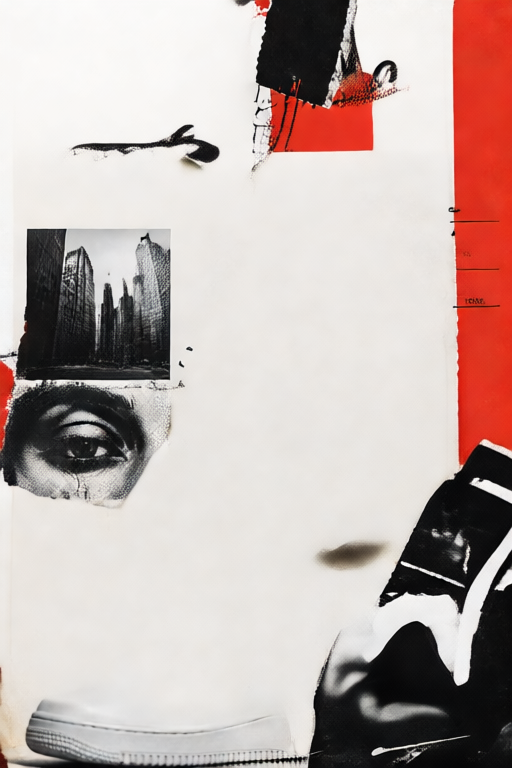
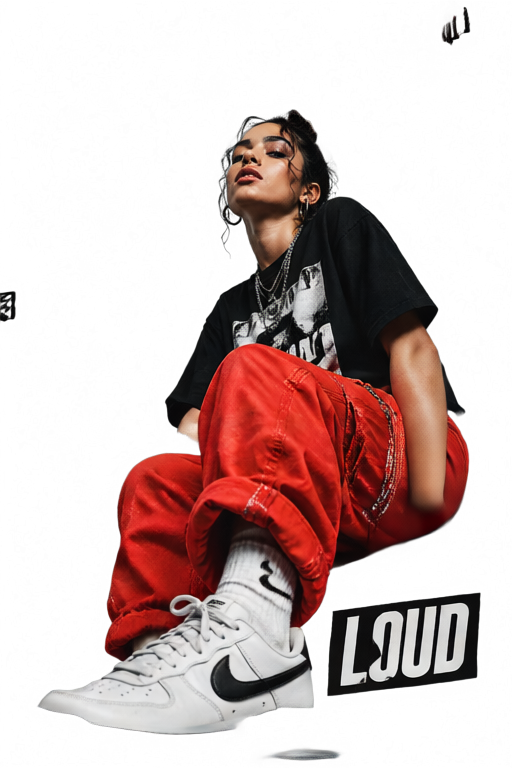
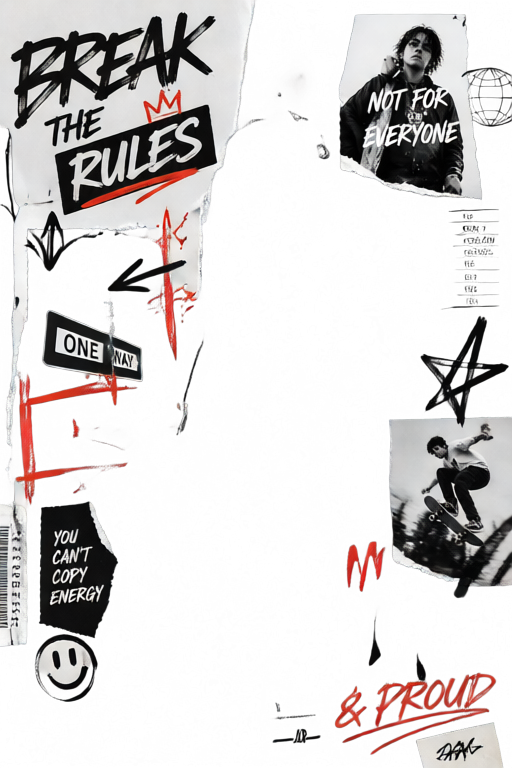
Generated 3 layers.
3 generated. Selected L1.
Why image-layer.com
Whether you're escaping Photoshop's subscription, frustrated by GIMP's complexity, or looking for a Photopea alternative with real AI and PSD export — image-layer.com gives you professional image layer editing, completely free in your browser.
An image layer is an independent, transparent level within an image that you can edit separately without affecting other parts. Professional tools like Photoshop use image layers to let designers move, recolor, or remove individual elements — like placing transparent sheets on top of each other.
image-layer.com uses AI to automatically create image layers from any uploaded photo. Instead of manually selecting and masking each element, our AI (powered by Qwen Image Layered) identifies every distinct object and separates it into its own RGBA image layer in seconds.
How It Works
Drag and drop any PNG, JPG, or WebP image. Our image layer editor works entirely in your browser — no software to install.
Our AI analyzes your image and automatically creates up to 10 separate image layers, each with full transparency. Every element gets its own editable image layer — no manual selection needed.
Move, resize, recolor, crop, or delete individual image layers. Export as a layered PSD file to continue editing in Photoshop, download individual layers as transparent PNG, or flatten to JPG and PDF.
PSD Export
image-layer.com is the only free online image layer editor that lets you export a fully layered .psd file. Every image layer is preserved with full RGBA transparency — open the file in Photoshop, GIMP, Affinity Photo, or any PSD-compatible app and continue editing exactly where you left off.
Every image layer exports as a separate, editable PSD layer. No flattening, no merging — your full layer structure is preserved in the .psd file.
Each exported PSD layer retains its original RGBA transparency. Open in Photoshop and every element is cleanly separated, ready for further editing.
The exported layered PSD file works in Photoshop, GIMP, Affinity Photo, Pixelmator, Sketch, and any application that supports the .psd format.
PSD export is free. No watermarks, no file size limits on export, no subscription — just download your layered PSD file.
Also supports: export layers as psd · save image as psd online · photoshop file export free · layered psd file download · convert image to psd · image to psd converter
Features
Automatically split any image into separate, editable image layers. No Photoshop skills, no manual masking — just upload and let AI create your image layers in seconds. Powered by Qwen Image Layered.
Download your full composition as a layered .psd file — every image layer preserved with full transparency. Open directly in Photoshop, GIMP, or Affinity Photo. The only free online editor that exports real layered PSD files.
Isolate your subject into its own transparent image layer with one click. Our AI removes the background and delivers a clean PNG layer ready for any new background.
Crop any image layer without touching the rest of the image. Resize individual image layers by pixel or percentage — works exactly like Photoshop's layer crop tool, completely free.
Add text layers, shape layers, or import another image as a new layer on top of your existing image. Stack unlimited image layers and edit them independently.
Full-featured image layer editor in your browser. Move, rotate, blend, and export image layers — the free alternative to Photoshop's layer panel. No subscription, no download.
Tools
Auto-separate any image into editable layers with AI
Edit, crop, resize and export image layers online
Save all image layers as a real .psd file, free
Isolate subjects into transparent image layers
Change the size of any image or individual layer
Export your layered image composition as PDF
Who It's For
Replace your $21/month Photoshop subscription. Get real image layer editing in your browser for free. AI creates your image layers automatically, then export as a layered PSD file to hand off to clients or continue in Photoshop — no manual masking, no learning curve.
Remove product backgrounds as image layers, swap backgrounds, and composite product shots. Export clean PNG image layers or a layered PSD ready for Amazon, Shopify, or any marketplace.
Build layered graphics for thumbnails, posts, and banners. Work with real image layers — not Canva's limited layer system. Export at any size as PNG, WebP, or layered PSD, completely free.
FAQ
Common questions about image layers, PSD export, our AI editor, and how to get started.